
Home Tech

Things to Verify Before Mounting a TV on the Wall

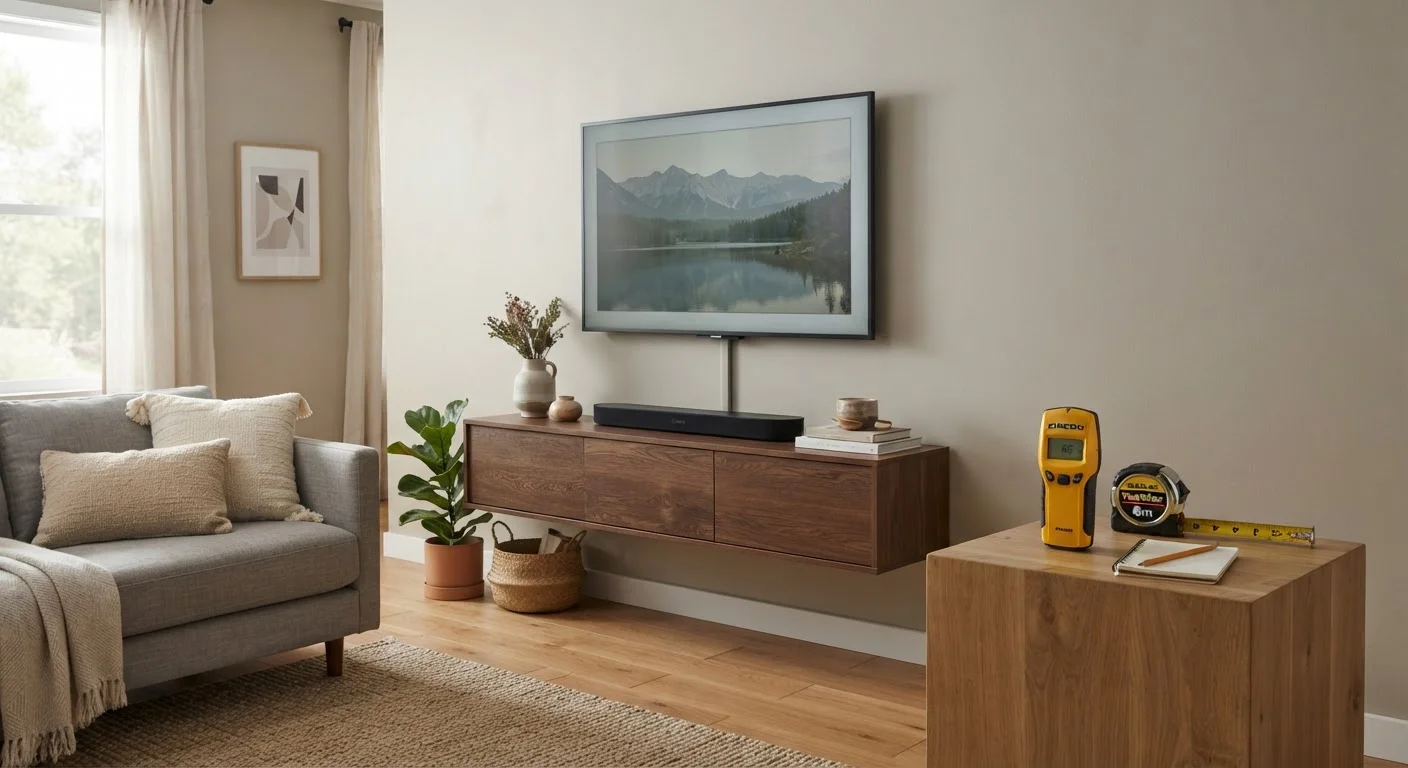
Things to Verify Before Mounting a TV on the Wall

Photo: FaqExplorer.net | Informative Website editorial

Wall material, stud location, mount type, and cable management all matter. Work through this checklist before you start drilling.

Key Takeaways

  • Identify your wall material before choosing anchors or a mounting method — drywall, concrete, and plaster each require different hardware.
  • Locate and confirm stud positions with a stud finder and a finishing nail test before committing to mount placement.
  • Verify your TV's VESA pattern matches the mount's hole spacing — mismatches are one of the most common installation errors.
  • Plan cable management before drilling so you're not patching unnecessary holes after the fact.
  • Weight ratings on mounts are maximums, not targets — always choose a mount rated well above your TV's actual weight.

Why Verification Matters Before You Drill

Wall-mounting a TV looks straightforward until something goes wrong — a stripped anchor that won't hold, a mount plate that doesn't line up, or a cluster of cables dangling in plain sight. Most of those problems stem from skipping a short but important verification phase before any hardware goes into the wall.

This checklist walks through every factor worth confirming before you pick up a drill. If you haven't yet settled on the right television for your space, our guide to spec traps that catch most TV shoppers covers the purchase decision itself.

Required

Stud finder

Locates wooden or metal studs behind drywall so you can anchor the mount to solid structural framing.

Required

Measuring tape

Confirms TV dimensions, VESA hole spacing, viewing height, and distance from the wall to nearby furniture.

Required

Level (spirit or laser)

Ensures the mount bracket is perfectly horizontal before any holes are drilled.

Required

Pencil or painter's tape

Marks stud locations, mount hole positions, and cable routing paths on the wall without permanent marks.

Required

Finishing nail or thin probe

Confirms a stud finder reading by physically verifying solid material behind drywall at a low-visibility spot.

Required

Voltage/AC detector pen

Checks for live electrical wires inside the wall along your intended drilling path before hardware goes in.

Optional

Cable conduit or in-wall cable kit

Routes power and AV cables neatly behind the wall or along a surface channel for a clean finish.

The Pre-Installation Checklist

Work through the groups below in order. Wall and structural checks come first because they determine everything downstream — mount selection, hardware choice, and cable routing all depend on what your wall can actually support.

Wall & Structural Assessment

Identify your wall material (drywall over studs, solid concrete/brick, plaster over lath) — each requires different anchors and drill bits. Must
Locate studs with an electronic stud finder and verify each reading with a small finishing nail or probe before marking final positions. Must
Confirm stud spacing — most North American homes use 16-inch or 24-inch on-center spacing, which affects mount plate width requirements. Must
Check for obstacles inside the wall — use an AC detector pen along the intended drill path to rule out electrical wires or pipes. Must
For concrete or masonry walls, confirm you have a hammer drill and the correct masonry anchors rated for your TV's weight. Must

Mount & TV Compatibility

Look up your TV's VESA mounting pattern (the distance in millimeters between the four rear mounting holes) in the owner's manual or manufacturer spec sheet. Must
Confirm the mount's stated VESA compatibility range includes your TV's exact pattern — do not assume a close measurement will work. Must
Compare your TV's actual weight (from the spec sheet) against the mount's maximum load rating, ensuring at least a 20–25% buffer. Must
Verify the mount type suits your intended use — fixed, tilting, or full-motion — based on your room layout and viewing angles. Should
Check that the mount hardware kit includes the correct bolt length and thread size for your TV's mounting holes; some TVs require specific M6, M8, or M4 bolts. Must

Placement & Viewing Geometry

Measure and mark your target mounting height so the center of the screen sits at approximately seated eye level — typically 42–48 inches from the floor for most seating arrangements. Should
Use a level to confirm the mount bracket is perfectly horizontal before marking drill points. Must
Check clearance above and below the mounted TV for ventilation and to avoid blocking light switches, thermostats, or vents. Should
If using a full-motion arm, simulate its maximum extension to ensure it won't strike furniture, doors, or trim when fully open. Nice to have

Cable Management Planning

Plan all cable routes (power, HDMI, optical, ethernet) before drilling — add any needed cable pass-through holes or conduit at this stage, not after. Must
Confirm the nearest power outlet location; if it's not directly behind the TV, decide whether you'll use a surface raceway, an in-wall kit, or have an electrician add an outlet. Must
Verify that any in-wall cable routing you plan uses components rated for in-wall use — standard extension cords are not rated or legal for concealment inside walls. Must
Label each cable before routing so identification is easy once the TV is mounted and access is limited. Nice to have

Do Not Route Power Cables Inside Walls Without Proper Ratings

Standard extension cords and non-rated cables are not approved for installation inside wall cavities — doing so creates a fire hazard and violates most local electrical codes. If you want a fully concealed power solution, use a UL-listed in-wall power kit designed for that purpose, or consult a licensed electrician to add a recessed outlet behind the mount location.

A Note on Weight, Reach, and Tilt

Mount weight ratings deserve special attention. Manufacturers publish a maximum load capacity, but installing a TV right at that limit leaves no margin for error — vibration, settling, and hardware fatigue can reduce effective holding strength over time. As a practical rule, select a mount whose rated capacity is at least 20–25% higher than your TV's actual weight.

Articulating and full-motion mounts that extend away from the wall place additional leverage stress on the mounting point. The farther a mount extends, the more torque it applies to the wall anchors, even if the TV's weight is well within spec. Factor arm extension into your structural assessment, not just raw weight.

Concrete and Masonry Require Professional Assessment

Drilling into concrete, brick, or block walls carries risks that drywall-over-stud installations do not: rebar location, post-tension cables in some concrete slabs, and structural load paths all matter. If you're mounting to a masonry wall — especially in a high-rise building or on an exterior wall — consult a qualified contractor or structural professional before proceeding. Incorrect anchor placement in these materials can cause serious wall damage and mounting failures.

Tech & Gadgets Editorial Team

FaqExplorer.net | Informative Website

Tech & Gadgets Editorial Team is the collective byline for our editorial team and contributor network. Articles published under this byline or an editorial pen name are researched, written, and reviewed according to our editorial standards for clarity, consistency, and independence before publication.

Phones & TabletsHome TechComputers & Laptops
View author profile

The content on this site is provided for informational purposes only and should not be considered a substitute for professional advice. While we strive to provide accurate and up-to-date information, we make no guarantees regarding its completeness or accuracy. Always consult a qualified professional for advice specific to your circumstances before making any decisions.