
Spreadsheet Budgets vs. Budgeting Apps: Which Approach Actually Works?

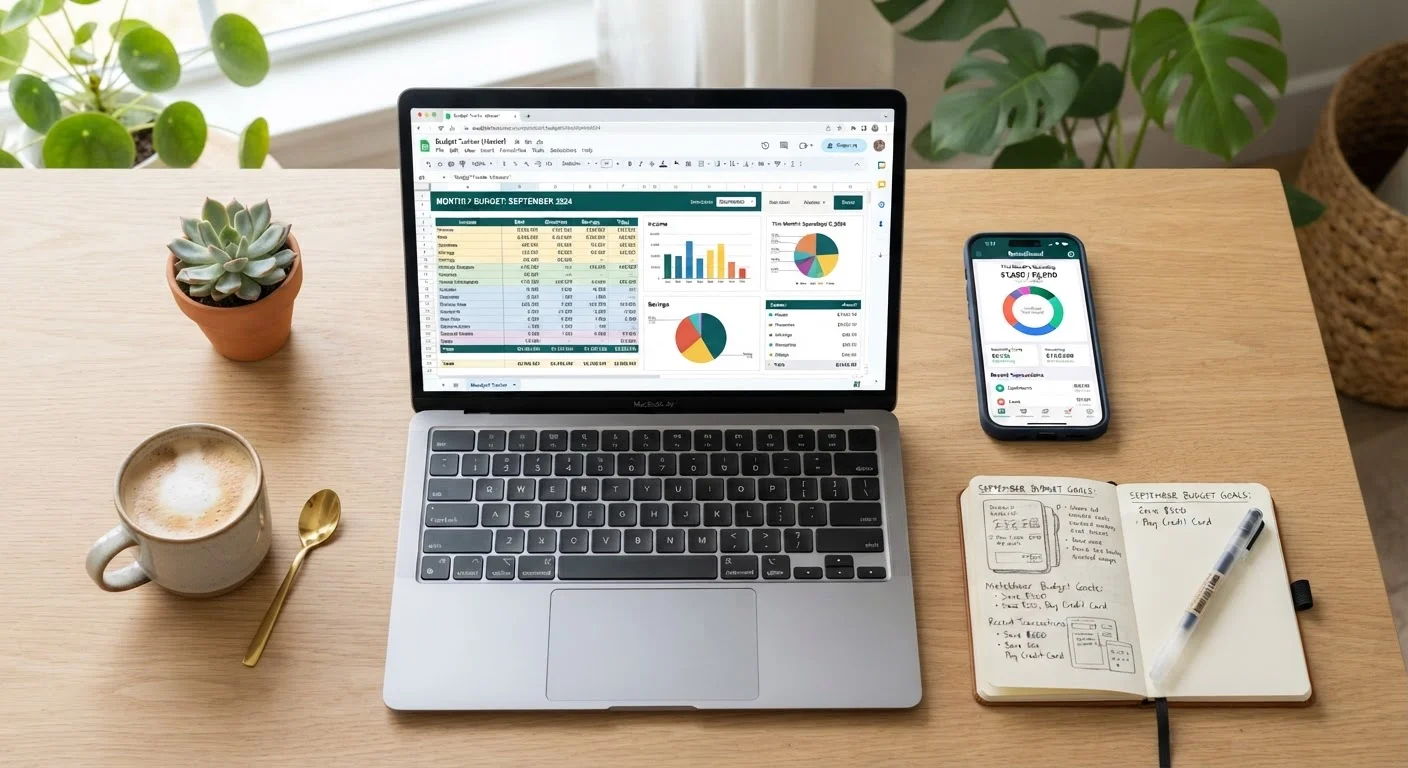
Photo: FaqExplorer.net | Informative Website editorial
Key Takeaways
- Spreadsheets offer maximum flexibility and control but require manual data entry and upkeep.
- Budgeting apps automate transaction tracking but may introduce privacy trade-offs and subscription costs.
- Neither approach is universally superior - your habits and financial complexity determine the better fit.
- Consistency matters more than which tool you choose; the best budget is one you actually maintain.
- Couples and households with shared finances may benefit from apps with multi-user sync features.
The Core Difference Between Spreadsheets and Apps
At their simplest, both tools serve the same purpose: help you understand where your money goes so you can direct it more intentionally. The key distinction is how much of the process is automated.
A spreadsheet - whether built in Google Sheets or Microsoft Excel - is a blank canvas. You define the categories, enter the numbers, and build the formulas. That manual involvement forces engagement with your finances, which many financial educators consider a feature, not a bug.
A budgeting app, by contrast, connects directly to your bank and credit card accounts, categorizes transactions automatically, and surfaces insights without requiring daily data entry. The trade-off is that you hand over some control - and often, some privacy - in exchange for convenience.
If you're just starting out, see our step-by-step guide to building your first monthly budget to understand the fundamental categories before choosing a tool.
| Spreadsheet | Budgeting App | |
|---|---|---|
| Setup effort | High - build or customize manually | Low - guided onboarding |
| Ongoing maintenance | Manual data entry required | Largely automated via bank sync |
| Customization | Unlimited flexibility | Limited to app's preset structure |
| Cost | Free or low-cost | Often subscription-based |
| Privacy risk | Minimal - no account linking needed | Requires linking financial accounts |
| Real-time alerts | Not built in | Push notifications available |
| Best for irregular income | Yes - easily customizable | Harder to model variable income |
Where Spreadsheets Shine - and Where They Struggle
Spreadsheets are unmatched when it comes to customization. You can model irregular income, build amortization schedules, track sinking funds (money set aside gradually for a known future expense), or create dashboards tailored to your exact situation. There's no template forcing you into preset categories.
They're also free. Both Google Sheets and Microsoft Excel (via Microsoft 365) are widely accessible, and hundreds of free budget templates are available online.
The downside is upkeep. Entering every transaction manually is time-consuming, and missing even a few entries can distort your picture. Spreadsheets also don't send you alerts when you're nearing a category limit, and they don't automatically pull in bank data. For people with variable income streams or multiple financial goals, the flexibility of a spreadsheet can be a genuine advantage - but it requires real commitment.
Start Simple, Then Customize
Where Budgeting Apps Shine - and Where They Fall Short
The strongest argument for a budgeting app is automatic transaction syncing. Rather than logging every coffee purchase manually, the app pulls it in, categorizes it, and updates your running totals. For people who struggle with the discipline of daily data entry, this automation often means the difference between maintaining a budget and abandoning one.
Most apps also include goal-tracking features, spending trend charts, and push notifications - tools that create ongoing awareness without requiring you to open a spreadsheet. For couples managing shared finances, many apps support multi-user access, which can simplify the coordination discussed in our article on budgeting as a couple.
The limitations are real, though. Many capable budgeting apps carry monthly or annual subscription fees. Connecting your bank accounts raises legitimate data-privacy considerations - read the privacy policy of any app before linking financial accounts. Automatic categorization is also imperfect; transactions are often miscategorized and require manual correction anyway.
How to Choose the Right Approach for You
The decision comes down to three factors: your financial complexity, your tolerance for manual work, and your privacy preferences.
- Choose a spreadsheet if you have irregular income, want granular control, or are uncomfortable linking bank accounts to third-party software.
- Choose an app if your income is relatively predictable, you tend to abandon manual systems, or you want real-time alerts and low-effort tracking.
- Consider a hybrid approach: some people use an app for day-to-day transaction tracking and a spreadsheet for longer-term planning and savings goal modeling.
Whichever tool you select, the monthly budget setup checklist is a useful reference to ensure you've accounted for income, fixed costs, savings, and irregular expenses before your first full month begins.
It's also worth remembering that no tool is a substitute for the underlying habit. As explored in the pros and cons of strict budgeting, rigidity in any system can lead to burnout - build in flexibility from the start, regardless of which format you use.
This article is for general informational and educational purposes only and does not constitute personalized financial advice. Consult a qualified financial professional for guidance specific to your situation.
The content on this site is provided for informational purposes only and should not be considered a substitute for professional advice. While we strive to provide accurate and up-to-date information, we make no guarantees regarding its completeness or accuracy. Always consult a qualified professional for advice specific to your circumstances before making any decisions.