
Why Your Smart Speaker Keeps Mishearing You - and What's Actually Happening

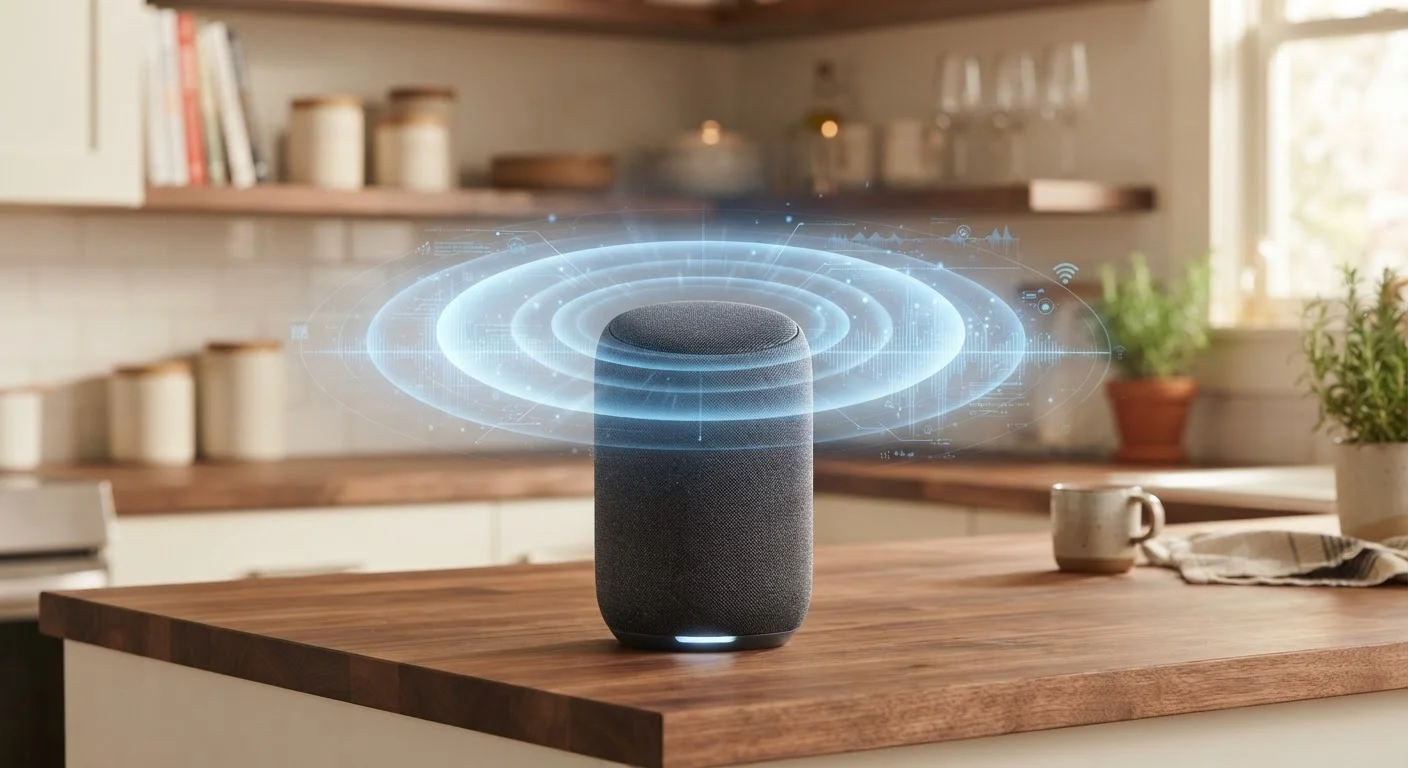
Photo: FaqExplorer.net | Informative Website editorial
Key Takeaways
- Smart speakers use a dedicated wake word detector before they start processing your full command.
- Acoustic conditions - room echo, background noise, speaker distance - directly affect recognition accuracy.
- False activations happen when ambient sounds phonetically resemble the wake word.
- Cloud-based processing introduces a second layer where speech-to-text errors can occur.
- Simple changes to placement and environment can meaningfully reduce mishearing frequency.
- Privacy and recognition accuracy are related concerns shaped by the same microphone hardware.
The Two-Stage Listening Process
When your smart speaker mishears you, most people assume it's a single system failing in one obvious way. In reality, recognition errors can occur at two distinct stages - and understanding both helps you diagnose what's actually going wrong.
The first stage is wake word detection, handled entirely on the device by a small, dedicated processor. This chip runs continuously at low power, listening only for the specific trigger phrase. When it thinks it hears that phrase, it flags the moment and hands off to the second stage.
The second stage is command processing - typically performed in the cloud. The recorded audio is sent to remote servers, converted to text using a speech-to-text model, and then matched against the platform's intent library to figure out what action you want. Errors at this stage often produce responses where the speaker heard some words correctly but misunderstood the overall request.
Each stage introduces its own failure modes, which is why the same phrase can sometimes work perfectly and fail moments later under slightly different conditions.
“The challenge with voice interfaces is that they're making probabilistic guesses about ambiguous input in real time. A little acoustic degradation - reverberation, noise, a slightly different speaking style - can shift the probability distribution enough to produce a wrong answer.”
— Speech Recognition Research Community, Paraphrased consensus from published literature on automatic speech recognition systems
How Acoustics Interfere With Recognition
Your room's physical characteristics play a larger role in recognition accuracy than most users realize. Sound doesn't travel in a straight line from your mouth to the microphone - it bounces off walls, floors, furniture, and ceilings before arriving. Each reflection is a slightly delayed copy of your voice, and the microphone captures all of them simultaneously.
This phenomenon, called reverberation, effectively smears the audio signal. Speech sounds that are crisp to human ears can appear blurred to a recognition algorithm processing waveforms. Hard, parallel surfaces (like a tiled kitchen with cabinets across from each other) are the most problematic. Soft furnishings - rugs, curtains, upholstered furniture - absorb reflections and produce cleaner audio.
Background noise adds a separate challenge. Music, televisions, HVAC systems, and household appliances all produce frequency content that overlaps with human speech. Most modern smart speakers use beamforming - an array of microphones working together to prioritize sound from a specific direction - but this technology has limits. When the noise source is in roughly the same direction as your voice, the speaker has much less to work with.
Best Placement for Cleaner Audio
Why False Activations Happen
False activations - when your speaker responds without being addressed - are a direct consequence of how wake word detection is calibrated. The detector is trained to minimize missed wake words, because failing to respond when called is the more frustrating user experience. The trade-off is a higher rate of false positives.
Phonetic similarity drives most false activations. Wake words are chosen partly to be acoustically distinctive, but spoken language is varied enough that TV dialogue, podcast audio, or even another person's conversation will occasionally produce a near-match. The detector doesn't understand meaning - it's pattern-matching on sound.
This is also why certain accents, speaking speeds, or voice characteristics can produce different accuracy rates. The underlying model was trained on a dataset, and if that dataset underrepresented particular speech patterns, the model will perform less reliably for those speakers.
For a closer look at what happens to audio data after activation - and what manufacturers actually retain - our guide to smart home privacy misconceptions separates documented policy from common assumptions.
~8%
Average word error rate for leading voice assistants
Research published in peer-reviewed AI and speech processing journals has found that leading cloud-based speech recognition systems achieve word error rates of roughly 5-10% under real-world conditions, not controlled lab environments.
1-3x
Higher error rates for non-dominant accents
Academic studies on speech recognition equity have documented error rates one to three times higher for speakers with accents underrepresented in training data compared to those whose speech patterns closely match the dominant training set.
19%
U.S. adults who own a smart speaker
Pew Research Center survey data has estimated roughly one in five U.S. adults lives in a household with a smart speaker, making recognition reliability a broadly relevant consumer issue.
Practical Ways to Improve Accuracy
Several straightforward adjustments can reduce mishearing frequency without requiring any technical expertise.
- Placement matters more than volume. Position your speaker on an open surface, at least a foot from walls, and away from televisions or audio sources that could create competing signals.
- Reduce hard surface reflections. If your speaker is in a tiled or hardwood-floored room, adding a rug or soft furnishings between the device and walls can noticeably improve clarity.
- Speak at a consistent pace. Recognition models are trained on natural speech, but very fast or very clipped delivery can break the acoustic patterns the model expects.
- Retrain voice profiles if available. Many platforms allow you to record a personal voice profile. This trains the system on your specific speech patterns and can improve both wake word detection and command accuracy.
- Check for software updates. Speech recognition models are updated regularly. Keeping your device's firmware current means you're running the most recently improved version of the underlying model.
None of these changes will eliminate errors entirely - recognition at scale involves genuine technical trade-offs - but they address the most common environmental causes of poor performance.
Frequently Asked Questions
The content on this site is provided for informational purposes only and should not be considered a substitute for professional advice. While we strive to provide accurate and up-to-date information, we make no guarantees regarding its completeness or accuracy. Always consult a qualified professional for advice specific to your circumstances before making any decisions.