
Why Your Laptop Slows Down Over Time-and What's Actually Causing It

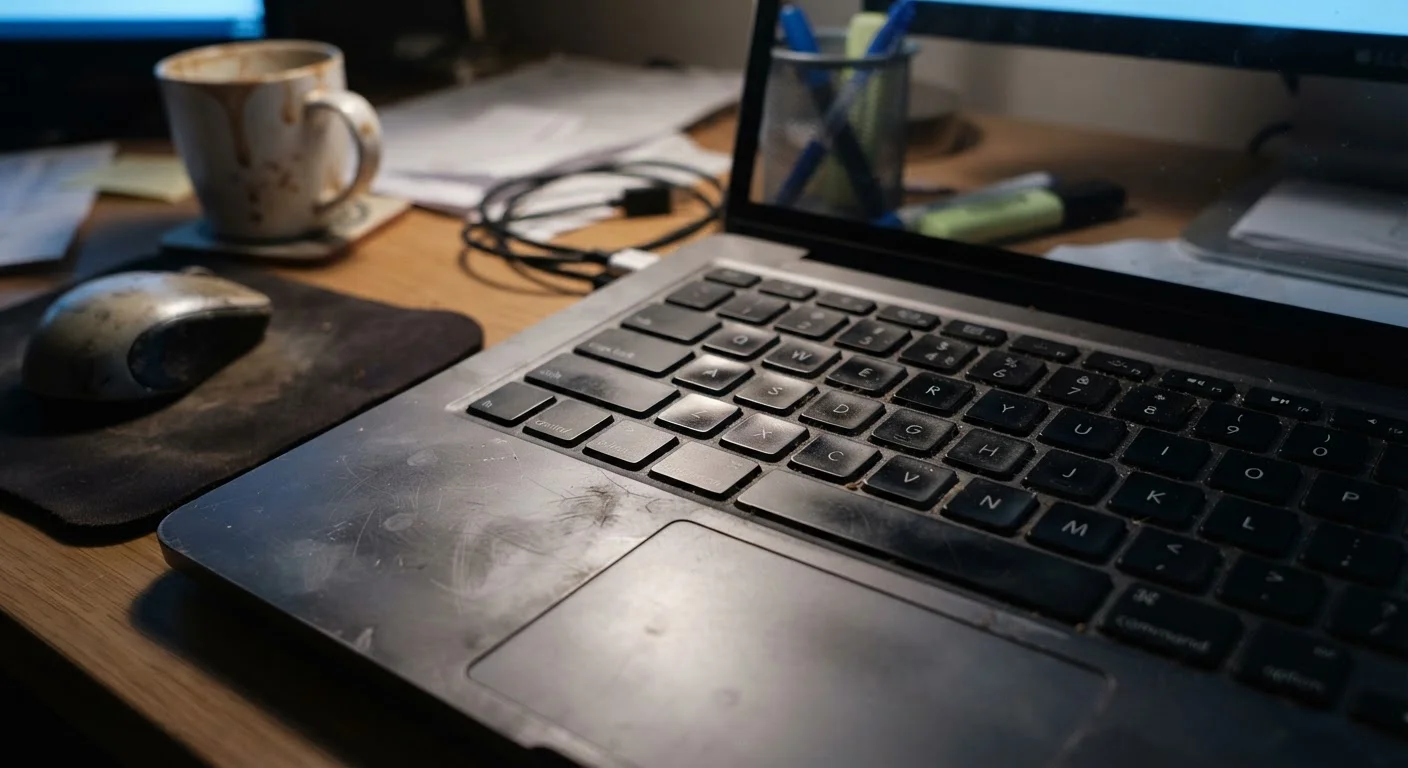
Photo: FaqExplorer.net | Informative Website editorial
Key Takeaways
- Startup programs, background processes, and bloatware are among the most common and correctable causes of slowdown.
- A nearly full storage drive can dramatically reduce a laptop's overall performance, not just available space.
- Thermal throttling-where the processor slows itself to avoid overheating-is a hardware issue often mistaken for software problems.
- Understanding what's actually slowing your laptop helps you decide whether to troubleshoot or upgrade.
The Slowdown Isn't in Your Head-But the Cause Might Surprise You
Most laptop owners notice the same pattern: a machine that felt fast out of the box gradually becomes sluggish opening a browser tab or launching a document. The instinct is to assume the laptop is "wearing out," but that framing obscures the real picture. Performance degradation usually has specific, diagnosable causes-and many of them are reversible.
Understanding those causes matters whether you're troubleshooting a current machine or shopping for a new one. Knowing what drives slowdown helps you evaluate whether a laptop's specs are likely to hold up over your typical use case. For a plain-language breakdown of how specs translate to real-world performance, see our guide to RAM, storage, and processing power.
Below are the most common mistakes users make-often without realizing it-that quietly erode laptop performance over time.
Ignoring startup programs that accumulate over time.
Letting storage fill up past 85-90% capacity.
Never updating-or never restarting-the operating system.
Overlooking background applications consuming CPU and memory.
Assuming more browser tabs are free to open without performance cost.
When Slowing Down Signals Something Deeper
Not every performance problem is software-driven. Two hardware realities tend to catch users off guard.
Thermal throttling occurs when a processor detects it's running too hot and deliberately reduces its own speed to prevent damage. Dust accumulation in vents, a dried-out thermal paste layer between the chip and heat sink, or using a laptop on soft surfaces that block airflow can all trigger this. The result looks exactly like sluggish software-but no amount of app cleanup will fix a clogged cooling system.
Don't Block Your Laptop's Vents
Battery degradation is a second hardware factor that affects performance on some systems. As lithium-ion batteries age and lose capacity, certain laptops reduce processor performance to stay within the power the battery can reliably deliver-especially when not plugged in. This is a deliberate design choice, not a malfunction, but it can feel like a mysterious slowdown.
Both issues are worth understanding before deciding whether to troubleshoot or replace. Our article on long-term laptop maintenance habits covers ventilation, charging practices, and other habits that address these root causes directly. And if you're factoring repair costs or battery replacement into your ownership calculus, the hidden costs of laptop ownership is worth a read before making any decisions.
~3 yrs
Typical meaningful performance decline window
Industry observations and repair data consistently suggest most consumer laptops show notable slowdown between years two and four, often driven by software accumulation rather than hardware failure.
500-1,000
Charge cycles before significant battery capacity loss
Lithium-ion battery specifications from major chip and device manufacturers indicate most laptop batteries retain around 80% capacity within this charge cycle range, after which degradation accelerates.
The content on this site is provided for informational purposes only and should not be considered a substitute for professional advice. While we strive to provide accurate and up-to-date information, we make no guarantees regarding its completeness or accuracy. Always consult a qualified professional for advice specific to your circumstances before making any decisions.