
How Laptop Battery Life Claims Are Measured-and Why Reality Differs

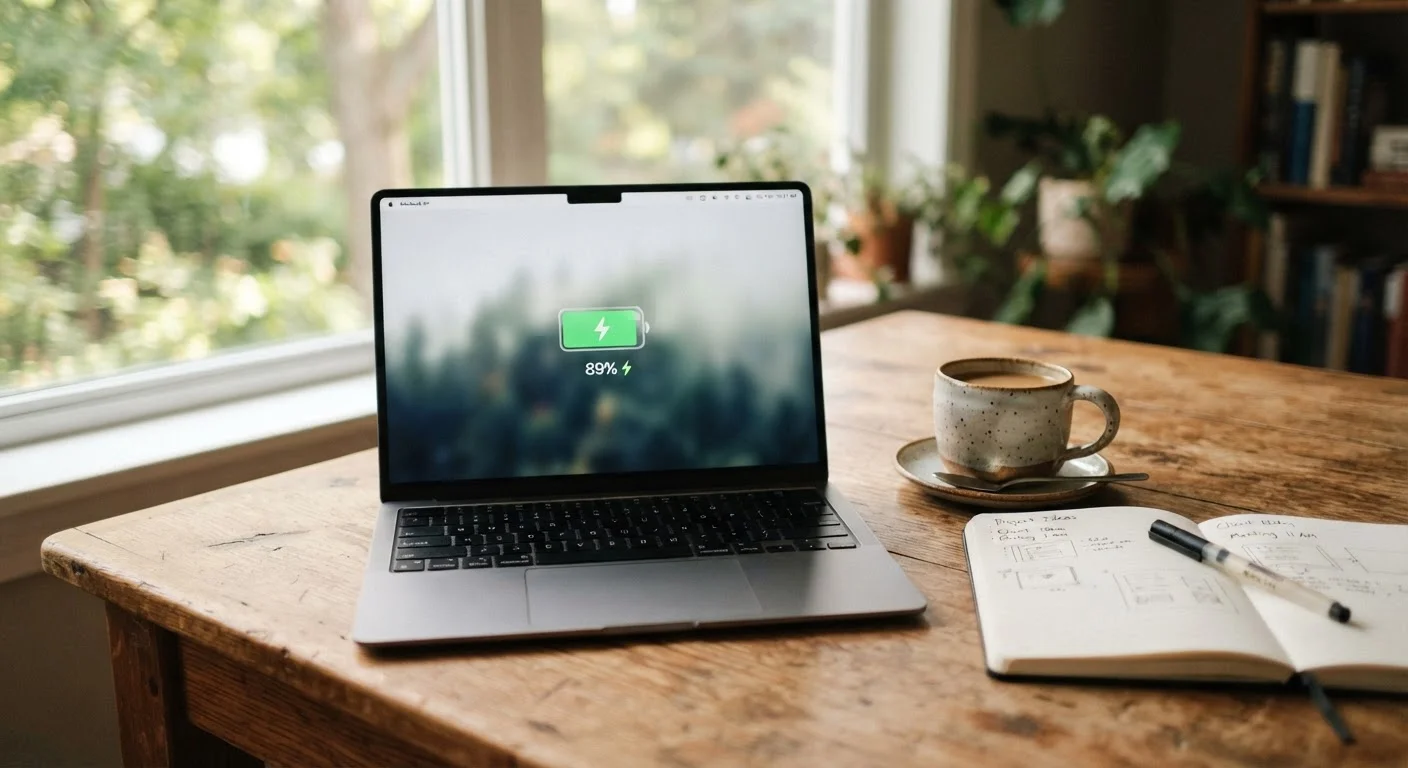
Photo: FaqExplorer.net | Informative Website editorial
Key Takeaways
- Manufacturers measure battery life under controlled conditions that favor longer runtimes than most users experience.
- Screen brightness, active applications, and wireless connections are among the biggest real-world battery drains.
- Expect real-world battery life to fall roughly 20-50% below the advertised figure, depending on your workload.
- Third-party review benchmarks - run under more realistic conditions - are a more reliable guide than manufacturer specs.
- Battery capacity degrades over charge cycles, so runtime shrinks further as a laptop ages.
How Manufacturers Measure Battery Life
When a laptop maker publishes a figure like "up to 18 hours," that number comes from a specific test - one designed to be reproducible and standardized, not to mirror how anyone actually works. The most commonly used framework is MobileMark, developed by the Business Applications Performance Corporation. It cycles through simulated tasks like document editing and spreadsheet work, all while keeping the screen at a low brightness (often around 150 nits, which is noticeably dim) and disabling or limiting network activity.
Some manufacturers use their own proprietary methods, such as continuous video playback on loop at a fixed brightness level. This approach can produce even higher runtime numbers because video playback - especially locally stored content - is one of the least demanding workloads a battery faces.
The key insight is that these tests are not rigged or dishonest; they serve a legitimate purpose of enabling apples-to-apples comparisons between machines. The problem is that the controlled conditions they require bear little resemblance to how most people actually use a laptop. Screen brightness alone is one of the single largest variables: running a display at full brightness can cut battery life nearly in half compared to the dimmed level used in standard tests.
Why Standardized Tests Still Have Value
The Real-World Factors That Drain Power Faster
Several variables conspire to push real-world runtime below the lab figure. Understanding them helps you predict where your habits will land on the spectrum.
- Screen brightness: The display backlight is among the heaviest power consumers in a modern laptop. Most people run screens at 60-100% brightness, well above what test protocols specify.
- Active wireless connections: Wi-Fi and Bluetooth radios draw continuous power. Lab tests often run these at idle or disable them entirely.
- Background processes: Antivirus scans, cloud sync services, browser tabs, and automatic updates all consume CPU cycles - and therefore battery - even when you are not actively clicking anything.
- Workload intensity: Streaming video, video calls, photo editing, and running virtual machines demand far more from the processor and graphics chip than document editing does.
- Ambient temperature: Batteries discharge faster in cold environments and degrade more quickly under sustained heat.
For context on how similar principles apply to mobile devices, see our article on how phone batteries actually work. The physics of lithium-ion cells are consistent across device categories.
~150 nits
Typical screen brightness used in lab battery tests
Most users set display brightness between 250-400 nits in normal indoor conditions, significantly above test levels.
20-50%
Typical gap between claimed and real-world battery life
Technology reviewers consistently observe this range when running real-world workloads versus manufacturer test conditions.
~80%
Typical battery capacity retained after 300-500 charge cycles
Lithium-ion cell degradation is a documented characteristic of the chemistry used in virtually all modern laptop batteries.
How to Interpret a Battery Spec Before You Buy
Armed with an understanding of how testing works, you can use manufacturer figures as a relative signal rather than an absolute promise. A laptop claiming 20 hours under MobileMark will likely outlast one claiming 12 hours under the same methodology - the comparison is still meaningful, even if both figures overstate what you will personally see.
A practical approach is to look for independent reviews that specify their testing methodology. Reputable technology publications run their own battery benchmarks, often simulating web browsing over Wi-Fi at a standardized brightness closer to real-world use. These third-party numbers are consistently more conservative - and more accurate - than marketing copy.
Also consider the laptop's watt-hour (Wh) rating, which describes the raw energy capacity of the battery pack. A higher Wh generally provides more headroom, but only if the processor and display are efficient enough to use that energy slowly. Modern low-power chip architectures can wring considerably more runtime from the same battery capacity than older, less efficient designs. If you're weighing a laptop against a tablet for portability and battery endurance, our guide on which device fits your real habits covers how battery life factors into that decision.
Battery Degradation Over Time
Even if a laptop delivers close to its rated runtime when new, that figure will decline as the battery ages. Lithium-ion cells lose capacity incrementally with each charge cycle - a full discharge and recharge. After 300 to 500 full cycles, many batteries retain only around 80% of their original capacity, and the decline continues from there.
This means the runtime experience of a two-year-old laptop will be meaningfully shorter than on day one, even with identical usage patterns. Buyers planning to keep a laptop for several years should factor in eventual battery replacement as part of ownership cost - something covered in more depth in our piece on the hidden costs of owning a laptop.
Good charging habits can slow degradation. Avoiding prolonged storage at 0% or 100% charge, and not leaving a laptop plugged in and at full charge indefinitely, are practices that many battery researchers and device manufacturers recommend for extending cell longevity. For a broader look at habits that extend a laptop's useful life, see our guide on maintenance habits that hold up.
Frequently Asked Questions
The content on this site is provided for informational purposes only and should not be considered a substitute for professional advice. While we strive to provide accurate and up-to-date information, we make no guarantees regarding its completeness or accuracy. Always consult a qualified professional for advice specific to your circumstances before making any decisions.