
Tablet or Laptop: Understanding Which Device Fits Your Real Habits

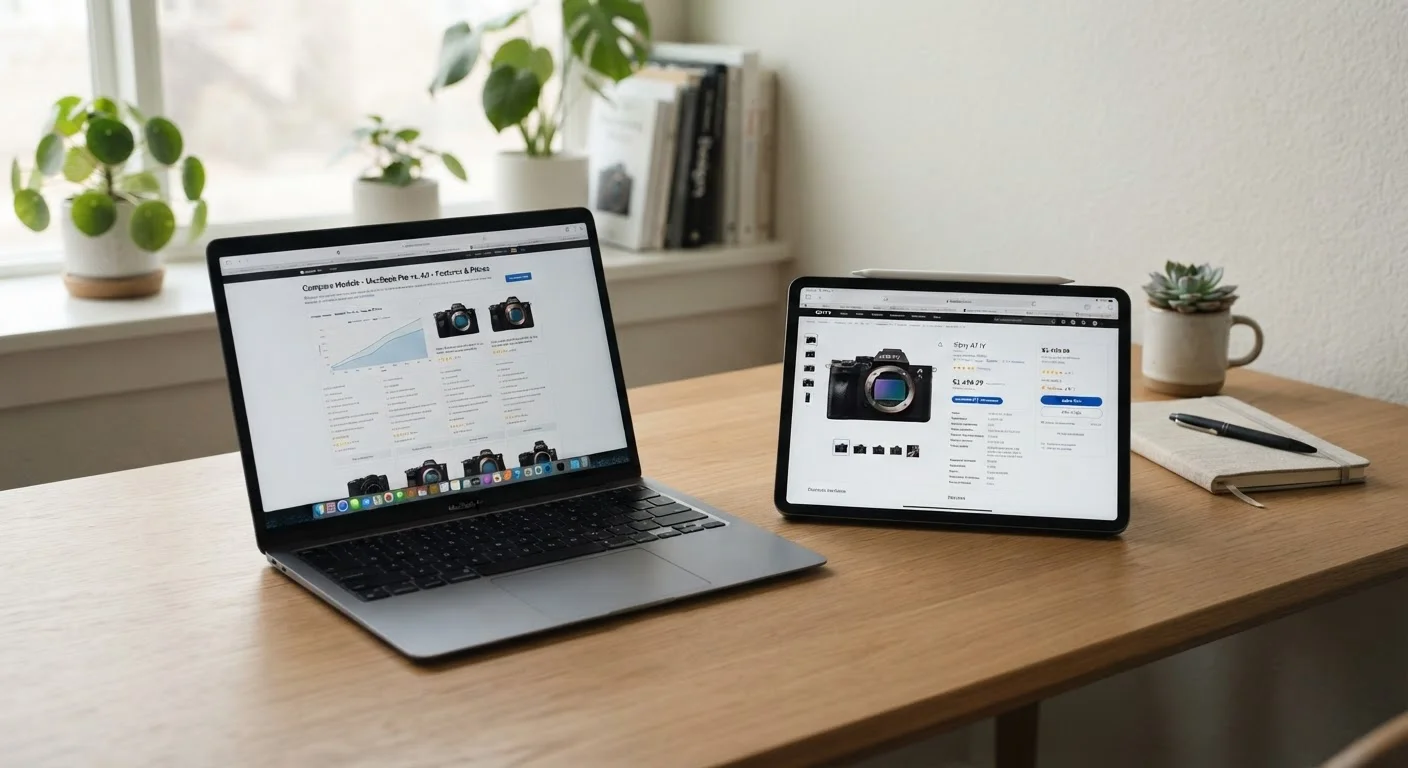
Photo: FaqExplorer.net | Informative Website editorial
Key Takeaways
- Tablets excel at media consumption, portability, and touch-first tasks; laptops handle sustained productivity work more naturally.
- The gap between tablets and laptops has narrowed, but operating system differences still create real workflow limitations.
- Most users who rely on spreadsheets, coding, or multi-window workflows will find a laptop more practical day-to-day.
- Tablets with detachable keyboards are a genuine middle ground, but they carry trade-offs worth understanding before buying.
- Battery life and weight matter more than raw specs for users who carry their device everywhere.
Why This Decision Is Harder Than It Used to Be
A few years ago, tablets were clearly for consumption and laptops were clearly for work. That line has blurred considerably. Modern tablets now support physical keyboards, stylus input, multi-window displays, and productivity applications that once existed only on desktop platforms. At the same time, laptops have become lighter, quieter, and far better at handling all-day battery demands.
The result is a genuinely confusing market. Specs alone won't resolve it. What matters is understanding how each device category is designed to be used - and whether that design matches your real daily habits, not your idealized version of them. See also our guide comparing laptops and desktops if you're also weighing a stationary setup.
Where Tablets Genuinely Shine
Tablets are optimized for interaction patterns centered on touch: swiping, tapping, drawing, and reading. Their form factor - light, thin, no hinge - makes them easier to hold for extended periods, whether you're reading on a couch, following a recipe in the kitchen, or watching video on a plane.
Battery life is frequently a tablet strength. Because mobile-derived operating systems and processors are engineered with power efficiency as a priority, many tablets sustain 10-12 hours of mixed use more reliably than comparably priced laptops. If you're evaluating manufacturer claims, our article on how battery life claims are measured explains why advertised numbers often diverge from real-world experience.
Tablets also tend to be more accessible for users who are less comfortable with traditional computing. Touch interfaces reduce the learning curve for basic tasks like email, video calls, and web browsing.
| Tablet | Laptop | |
|---|---|---|
| Portability | Lighter, easier to hold one-handed | Heavier, requires a surface to use |
| Battery life | Typically 10-12 hrs real-world | Varies widely; 6-10 hrs common |
| Typing experience | Touch or accessory keyboard | Built-in physical keyboard |
| Software compatibility | Mobile/tablet OS; some gaps | Full desktop OS; broad compatibility |
| Multitasking | Improving but still limited | Full windowed multitasking |
| Touch and stylus input | Native, optimized for touch | Limited; few support stylus |
| File management | Restricted access on most OSes | Full file system access |
| Starting price range | Wide range; accessories add cost | Entry options broadly available |
Where Laptops Hold a Practical Edge
Laptops run full desktop operating systems - Windows, macOS, or ChromeOS - which means broader software compatibility, true file system access, and the ability to run multiple complex applications simultaneously. For anyone whose work involves spreadsheets with large datasets, video editing timelines, software development, or academic research requiring many open tabs and documents, a laptop's multitasking depth is difficult to replicate on a tablet.
The physical keyboard and trackpad also matter more than they might seem. Touch typing at sustained speed on a glass surface is less comfortable than on a well-designed laptop keyboard. Many productivity tasks - long-form writing, coding, data entry - still feel more natural with dedicated hardware input. For more on how operating systems shape the experience, our operating system comparison breaks down the key trade-offs.
Audit a Typical Week Before Deciding
The Hybrid Middle Ground: Tablets with Keyboards
Detachable keyboard accessories have made tablets a more plausible laptop alternative for certain users. When paired with a physical keyboard and a stylus, a tablet can handle email, light document editing, note-taking, and presentations credibly. This combination works well for students, journalists, and professionals whose software needs are modest.
The trade-offs are real, though. Accessory keyboards add cost - sometimes significantly - and the combined price can approach entry-level laptop territory. The typing experience on most keyboard accessories doesn't fully match a dedicated laptop keyboard. And tablet operating systems, while capable, still impose limitations on file management and application multitasking that power users will notice. Before buying accessories, our accessories guide offers a useful framework for evaluating which add-ons solve real problems versus adding clutter.
Questions That Point You Toward the Right Answer
Rather than matching specs to a checklist, consider what your screen time actually looks like across a typical week:
- Do you create or consume? Consumption-heavy users - streaming, reading, browsing - are well-served by tablets. Creation-heavy users typically need a laptop.
- Do you use specialized software? Many professional applications - accounting software, design tools, IDE environments - still require a desktop OS.
- How often do you carry the device? If the device rarely leaves a desk, a laptop's weight is irrelevant. If it's in a bag daily, ounces matter.
- Do you frequently work with multiple windows open? Tablet multitasking, while improved, remains more constrained than a laptop's windowed environment.
- Is your budget tight? Entry-level laptops often deliver more practical capability per dollar than entry-level tablets once accessories are factored in. Review the hidden costs of laptop ownership to budget accurately.
Honest answers to these questions will likely point clearly toward one form factor - or confirm that a hybrid approach is worth exploring.
The content on this site is provided for informational purposes only and should not be considered a substitute for professional advice. While we strive to provide accurate and up-to-date information, we make no guarantees regarding its completeness or accuracy. Always consult a qualified professional for advice specific to your circumstances before making any decisions.