
Keeping Your Connected Devices Secure at Home

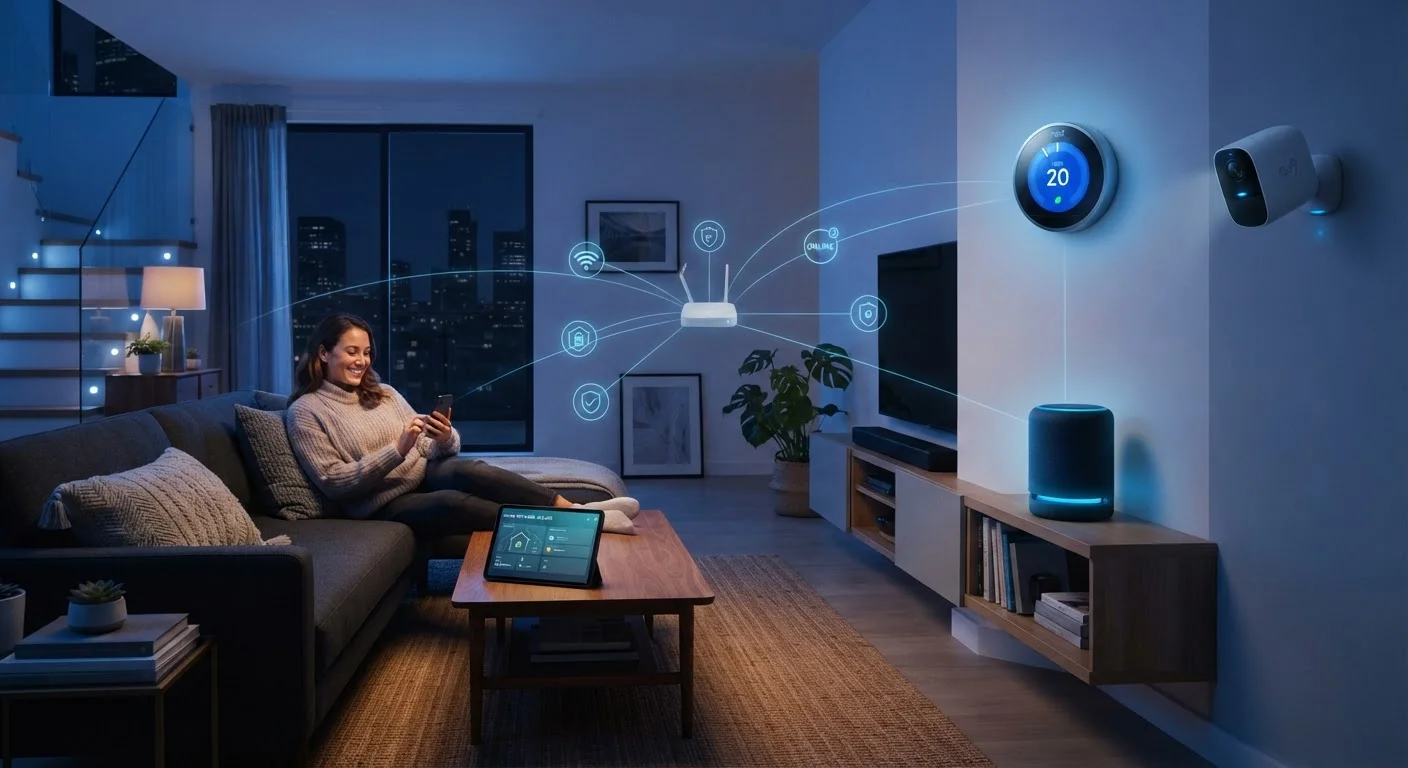
Photo: FaqExplorer.net | Informative Website editorial
Key Takeaways
- Keeping device firmware current is the single most effective way to close known security vulnerabilities.
- Network segmentation - isolating IoT devices on a separate Wi-Fi network - limits damage if one device is compromised.
- Default passwords on routers and smart devices are a leading cause of home network breaches.
- Disabling unused features like remote access or UPnP reduces your attack surface without sacrificing daily usability.
- Reviewing which apps and devices have account access periodically helps catch forgotten permissions before they become problems.
Why Home Network Security Deserves Serious Attention
The average American home now contains more than a dozen connected devices - smart TVs, thermostats, doorbells, voice assistants, and more. Each one represents a potential entry point into your home network. Unlike computers and smartphones, many of these devices receive infrequent security scrutiny from their owners, and some manufacturers are slower than others to issue patches.
The good news: a handful of consistent habits close the vast majority of common attack vectors. You don't need to be a cybersecurity professional to meaningfully reduce your risk. Understanding the basics of how these devices communicate can also help - see our guide to smart home protocols for context on how your devices talk to each other.
Enable automatic firmware updates on every connected device, and verify updates are actually installing.
Replace all default usernames and passwords immediately when setting up a new device or router.
Create a dedicated IoT network segment to isolate smart home devices from computers and phones.
Disable features you don't actively use, including remote access, UPnP, and unused cloud integrations.
Use a password manager and enable two-factor authentication on all smart home app accounts.
Audit connected devices and third-party app permissions at least twice a year.
Core Security Practices Every Household Should Follow
The practices below reflect broadly accepted guidance from security researchers and consumer protection organizations. None require technical expertise to implement - they require only awareness and a little time.
Network Architecture and Device Management
How your home network is structured has a direct bearing on how contained a compromise can be. If every device - your laptop, your baby monitor, and your smart refrigerator - shares the same network, a vulnerability in any one of them is a potential doorway to all the others.
Most modern routers support creating a separate guest network or VLAN (Virtual Local Area Network) specifically for IoT devices. This approach, called network segmentation, means that even if a smart bulb or older camera is exploited, the attacker gains no direct path to your laptop or phone. For households with many devices, a mesh network system can make managing multiple network segments more straightforward - our comparison of home Wi-Fi vs. mesh networks explains the tradeoffs in detail.
It's also worth periodically logging into your router's admin panel to review which devices are connected. Unknown devices appearing on your network are a red flag worth investigating promptly. For a deeper look at how central controllers manage your smart home ecosystem, see how smart home hubs work.
A Note on ISP-Provided Routers
Staying Informed Without Becoming Overwhelmed
Security headlines can feel alarming, and it's easy to develop either excessive anxiety or complete indifference about connected device risks. The practical middle ground is awareness paired with routine habits. Signing up for manufacturer security bulletins - most brands offer email or app notifications - ensures you hear about significant vulnerabilities as they're disclosed.
Privacy considerations are closely tied to security but are a distinct concern. Our article on common misconceptions about smart home privacy separates fact from fear around what devices actually collect and transmit. Understanding that distinction helps you make proportionate, informed decisions rather than reactive ones.
Your home network is also part of a broader ecosystem - from the router your ISP provides to the apps on your phone that control your devices. Treating security as an ongoing practice rather than a one-time setup task is the mindset that makes the difference over time.
The content on this site is provided for informational purposes only and should not be considered a substitute for professional advice. While we strive to provide accurate and up-to-date information, we make no guarantees regarding its completeness or accuracy. Always consult a qualified professional for advice specific to your circumstances before making any decisions.