
Smart Home Protocols Explained: Zigbee, Z-Wave, Matter, and Wi-Fi

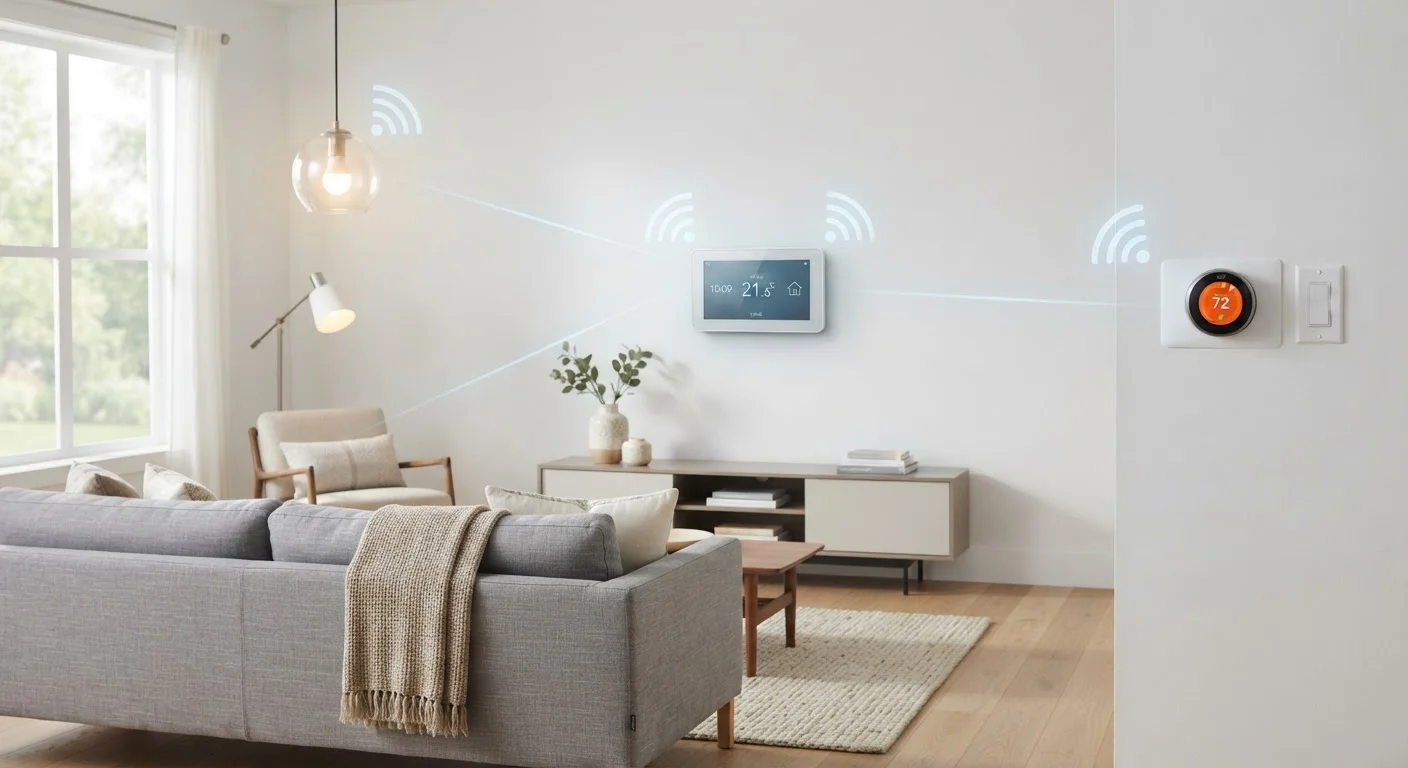
Photo: FaqExplorer.net | Informative Website editorial
Key Takeaways
- Zigbee and Z-Wave form self-healing mesh networks that don't rely on your home Wi-Fi.
- Matter is an emerging cross-platform standard designed to make devices from different brands interoperable.
- Wi-Fi protocols offer high bandwidth but consume more power and can congest your home network.
- The protocol a device uses affects range, battery life, hub requirements, and ecosystem compatibility.
- Many modern hubs and routers now support multiple protocols simultaneously.
Why Protocols Matter When Building a Smart Home
Before you buy a smart light, lock, or sensor, there's a question worth asking: how does this device actually communicate? The answer determines whether it works with your existing setup, how reliable it is, and whether it drains batteries quickly or stays alive for years. That answer is the protocol.
Smart home protocols are the shared languages devices use to exchange commands. A lock that speaks Z-Wave cannot directly understand a hub that only knows Zigbee, just as two people speaking different languages can't communicate without a translator. Understanding the main protocols helps you build a setup that works together rather than one that creates a tangle of incompatible apps. For a broader look at how to approach a new smart home build, our beginner's setup walkthrough covers ecosystems, hubs, and device ordering in practical detail.
4
Major smart home communication protocols in widespread use
Zigbee, Z-Wave, Matter, and Wi-Fi each serve distinct use cases and device categories in today's consumer market.
908 MHz
Z-Wave operating frequency in the United States
This sub-GHz band keeps Z-Wave signals separate from the crowded 2.4 GHz band shared by Wi-Fi and Zigbee devices.
232
Maximum devices per Z-Wave network
The Z-Wave specification caps networks at 232 nodes - sufficient for virtually all residential installations.
Zigbee: Mesh Networking for Low-Power Devices
Zigbee is an open standard managed by the Connectivity Standards Alliance (CSA). It operates primarily on the 2.4 GHz frequency band and is built around a mesh network architecture - meaning each mains-powered Zigbee device can relay signals for other devices, extending the network's reach without additional wiring. Battery-powered devices typically act as endpoints rather than relays to conserve energy.
Zigbee's major strengths are low power consumption and scalability. A Zigbee sensor can run on a coin cell battery for a year or more. The mesh structure also provides redundancy: if one device loses power, signals route around it. The tradeoff is that Zigbee requires a compatible hub, and because it shares the 2.4 GHz band with Wi-Fi and Bluetooth, interference is possible in congested radio environments. Zigbee device lines from different manufacturers sometimes have minor interoperability quirks, though the standard itself is universal.
Z-Wave: A Proprietary Sub-GHz Mesh
Z-Wave operates in the sub-GHz band - around 908 MHz in the U.S. - which keeps it entirely separate from Wi-Fi interference and gives it better range through walls and floors for low-bandwidth signals. Like Zigbee, Z-Wave forms a self-healing mesh network.
What distinguishes Z-Wave is its tighter certification program. The Z-Wave Alliance requires devices to pass interoperability testing, which means Z-Wave devices from different manufacturers generally work together more predictably than Zigbee equivalents. Z-Wave is also limited to a maximum of 232 devices per network, which is more than enough for most homes but worth noting for large installations. A hub with a Z-Wave radio is required. To understand the role hubs play in translating and managing these signals, our guide to smart home hubs explains local vs. cloud control in depth.
Z-Wave Certification vs. Zigbee Flexibility
Matter: The New Cross-Platform Standard
Matter, developed by the CSA and backed by major technology companies, is designed to solve one of smart home's most persistent frustrations: devices that only work within one brand's ecosystem. Matter defines a common application layer that can run over Thread (a low-power mesh protocol similar to Zigbee), Wi-Fi, and Ethernet.
A Matter-certified device should, in principle, work with any Matter-compatible controller - including those from major platform providers. This removes the need to check ecosystem compatibility before every purchase. Thread-based Matter devices form a mesh network and communicate through a Thread Border Router, which is increasingly built into smart speakers and routers. Matter is still maturing: device categories supported by the standard are expanding, and not all older platforms have implemented every feature. Devices certified after Matter's 2022 launch carry the specification, but legacy devices will largely not gain retroactive certification.
Wi-Fi: High Bandwidth, Higher Power Draw
Wi-Fi smart devices connect directly to your home router and require no separate hub. This simplicity is appealing for cameras, video doorbells, and streaming devices that need to move large amounts of data. Setup is often straightforward - scan a QR code, enter your Wi-Fi password, done.
The tradeoffs are real, however. Wi-Fi devices draw significantly more power than Zigbee or Z-Wave devices, making battery-powered Wi-Fi sensors impractical for long-term deployment. Every additional Wi-Fi device also joins your home network, and a large fleet of smart devices can add pressure to your router's capacity. If you're already managing coverage across a larger home, our comparison of single routers and mesh networks can help you decide whether your network infrastructure needs an upgrade before adding more devices.
Separate Smart Devices onto Their Own Network
Choosing the Right Protocol for Your Setup
There is no universally correct protocol. The right choice depends on what you're trying to do:
- Battery-powered sensors and switches: Zigbee or Z-Wave deliver multi-year battery life that Wi-Fi cannot match.
- Video cameras and doorbells: Wi-Fi is the practical choice due to bandwidth requirements.
- Long-term ecosystem flexibility: Matter-certified devices reduce the risk of being locked into a single platform as your setup grows.
- Interference-sensitive environments: Z-Wave's sub-GHz frequency sidesteps the congestion common at 2.4 GHz.
Many hub platforms today support two or more protocols simultaneously, giving you flexibility to mix device types. Security considerations also vary by protocol and cloud dependency - for a grounded look at what data smart home devices actually handle, our article on smart home privacy misconceptions separates fact from common fear.
Frequently Asked Questions
The content on this site is provided for informational purposes only and should not be considered a substitute for professional advice. While we strive to provide accurate and up-to-date information, we make no guarantees regarding its completeness or accuracy. Always consult a qualified professional for advice specific to your circumstances before making any decisions.