
Everything Inside a Smart Home Hub: How the Central Controller Works

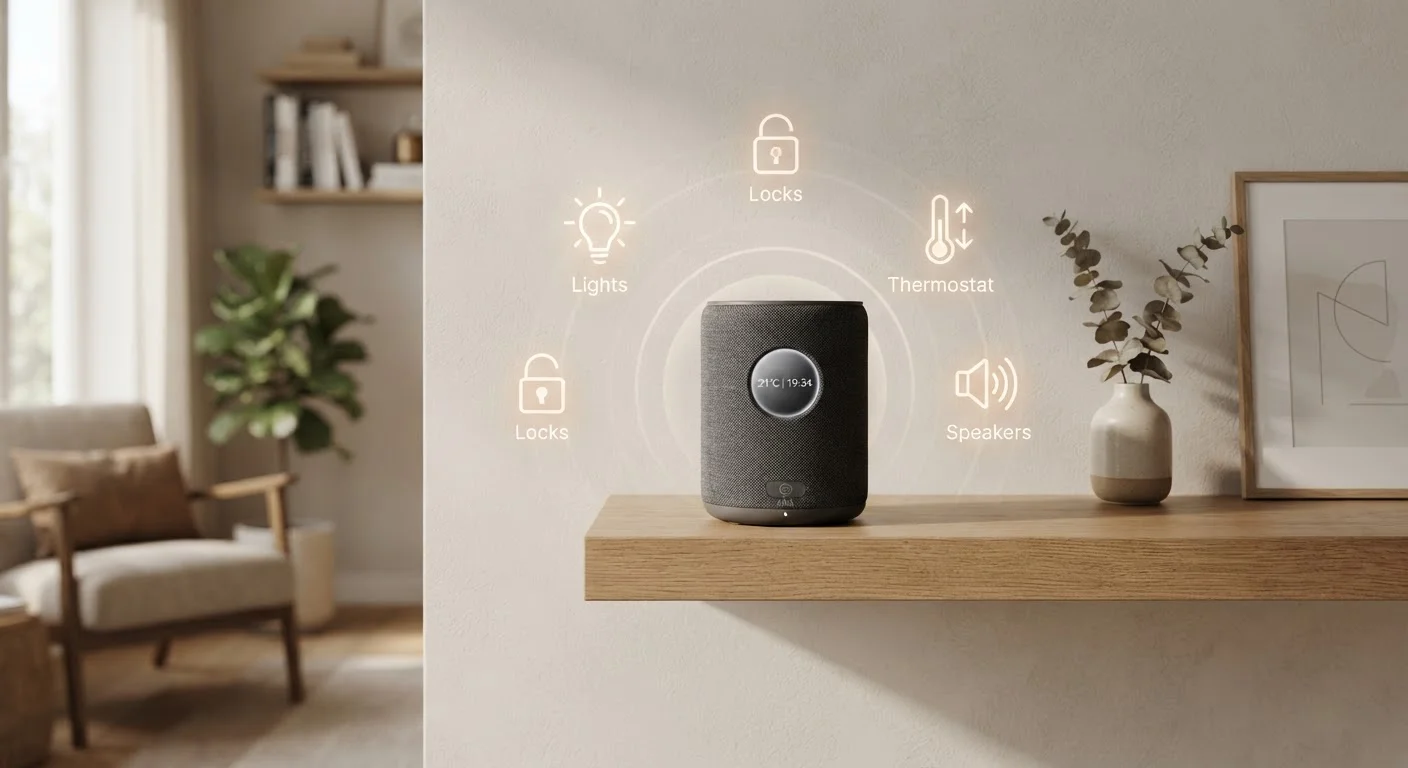
Photo: FaqExplorer.net | Informative Website editorial
Key Takeaways
- A smart home hub centralizes device control, enabling automation across different brands and protocols.
- Local processing hubs continue working during internet outages; cloud-dependent systems do not.
- Hubs support multiple radio protocols - Zigbee, Z-Wave, Wi-Fi, and Matter - to bridge device ecosystems.
- Not every smart home requires a dedicated hub; app-based ecosystems may be sufficient for simpler setups.
- Security and privacy practices matter more as hub-connected device counts increase.
What a Smart Home Hub Actually Does
A smart home hub is a dedicated device that acts as the central controller for connected home devices - lights, locks, thermostats, sensors, cameras, and more. Rather than requiring each device to communicate independently with your phone or a remote server, the hub coordinates all of them from a single point inside your home.
The core function is translation and orchestration. Devices in your home may use different wireless protocols to communicate. The hub speaks all of those languages simultaneously, allowing a motion sensor made by one manufacturer to trigger a light made by another. Without a hub, most cross-brand automations either require complex workarounds or simply aren't possible.
If you're planning a connected home from the ground up, see our beginner's guide to setting up a smart home for a structured starting point.
Inside the Hardware: What's Built Into a Hub
A modern multi-protocol hub is more sophisticated internally than its modest exterior suggests. Most full-featured hubs contain:
- A dedicated processor and RAM - sufficient to run automation logic locally without depending on a remote server
- Multiple wireless radios - typically including Zigbee, Z-Wave, Wi-Fi, and increasingly Bluetooth or Thread
- Onboard storage - for device databases, automation rules, and local event logs
- An Ethernet port - for a wired connection to your router, which is more reliable than Wi-Fi for a core controller
- A power adapter - hubs are always-on devices designed for continuous operation
The processor and memory capacity directly determine how many automations the hub can run simultaneously and how fast it responds. Entry-level hubs with underpowered chips can become sluggish when device counts climb.
300+
Average connected devices per smart hub ecosystem
Leading hub platforms commonly advertise compatibility with hundreds of device types across major manufacturers.
~10ms
Local command response time vs. 100-500ms via cloud
Industry testing consistently shows local processing produces significantly faster device response than cloud-routed commands.
3-4
Wireless radios typically inside a multi-protocol hub
Full-featured hubs often integrate Wi-Fi, Zigbee, Z-Wave, and Bluetooth radios in a single device.
Local Processing vs. Cloud Control
This distinction is arguably the most important factor when evaluating any smart home hub. Local processing means the hub executes automation rules using its own hardware - no internet connection required. Cloud processing means commands travel from your device, up to a remote server, back down to the hub, and then to the target device.
The practical difference is significant. Local hubs respond in milliseconds and continue functioning during internet outages. Cloud-dependent systems can feel sluggish, and they go completely offline when your internet connection drops or when the provider's servers experience issues.
“The hub isn't just a translator between devices - it's the logic engine. Without local processing, you don't have a smart home; you have a home that depends on someone else's server staying online.”
— Home Automation Research Community, Industry commentator on smart home infrastructure design
Some hubs use a hybrid model: most automations run locally, but remote access (controlling your home while away) routes through a cloud layer. This is a reasonable compromise for most households.
Communication Protocols: How the Hub Talks to Devices
The value of a hub is largely determined by which wireless protocols its radios support. The main protocols found in smart home devices today are:
- Zigbee
- A low-power mesh protocol widely used in smart bulbs, sensors, and outlets. Devices relay signals to one another, extending range throughout a home.
- Z-Wave
- Similar mesh architecture to Zigbee but operates on a different radio frequency, reducing interference. Common in security and door lock devices.
- Wi-Fi
- High bandwidth but more power-hungry. Common in cameras and video doorbells. Devices connect directly to your router rather than through the hub's radio.
- Matter (over Thread or Wi-Fi)
- A newer, IP-based standard designed for cross-ecosystem compatibility. Growing adoption across major platforms.
For a deeper explanation of how each protocol works, see our guide to smart home protocols including Zigbee, Z-Wave, Matter, and Wi-Fi.
Check Matter Compatibility Before Buying
Do You Actually Need a Hub?
Not every smart home requires a dedicated hub. If your devices all belong to a single ecosystem - for example, all Apple HomeKit or all Google Home - a compatible smart speaker or app may be enough for basic control. These platforms handle simple automations and voice commands without additional hardware.
A dedicated hub becomes worth considering when:
- You own or plan to buy devices from multiple brands using different protocols
- You want automations that run reliably without internet access
- You need fine-grained control over rules, triggers, and conditions beyond what a consumer app offers
- Your device count is growing and response times are noticeably degrading
Hub vs. Smart Speaker: Not the Same Thing
For households with a smart thermostat alongside lighting, sensors, and locks from different manufacturers, a hub is often what makes those pieces feel like a coherent system rather than separate apps.
Cloud-Only Hubs Can Go Dark Permanently
Privacy and Security Considerations
A hub that sits at the center of your home network has visibility into a significant amount of behavioral data - when lights turn on, when doors open, when motion is detected. Understanding what data leaves your home is important.
Local-processing hubs that don't require cloud accounts minimize external data exposure by design. Cloud-connected hubs share event data with the manufacturer's servers to some degree; reviewing the privacy policy for any platform before setup is a reasonable step, not an excessive one.
Ecosystem Lock-In Is a Real Risk
On the security side, standard practices apply: keep hub firmware updated, use a strong unique password for the hub's admin interface, and consider placing smart home devices on a separate network segment from your primary computers and phones. Our article on keeping connected devices secure covers those habits in practical detail. For a broader picture of what smart home data collection actually involves, see our piece on common misconceptions about smart home privacy.
Prioritize hubs that support local processing over purely cloud-dependent alternatives - your automations will be faster, more reliable, and will keep running during internet outages.
Before purchasing a hub, map out every device you currently own or plan to add, then verify protocol compatibility - don't assume a hub handles all protocols just because it handles many.
The content on this site is provided for informational purposes only and should not be considered a substitute for professional advice. While we strive to provide accurate and up-to-date information, we make no guarantees regarding its completeness or accuracy. Always consult a qualified professional for advice specific to your circumstances before making any decisions.