
Common Misconceptions About Phone Processors and Performance

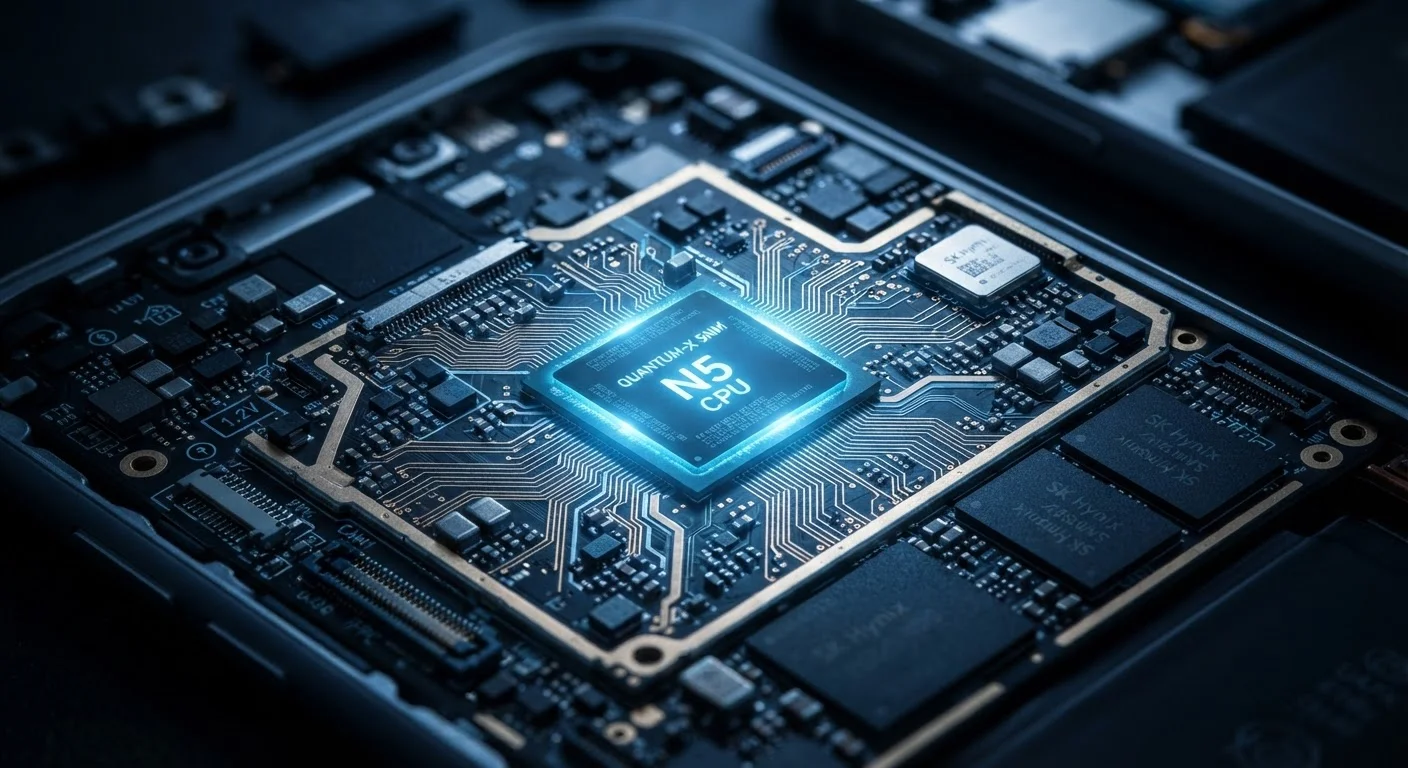
Photo: FaqExplorer.net | Informative Website editorial
Key Takeaways
- More CPU cores don't automatically translate to faster everyday phone performance.
- Clock speed in GHz is only one factor - chip architecture and efficiency matter more.
- A phone's OS, software optimization, and thermal design shape real-world speed as much as raw specs.
- Benchmark scores measure isolated tasks, not how a phone actually performs during daily use.
- Chip generation and manufacturing process node often predict performance better than core count alone.
Why Phone Processor Specs Are So Misunderstood
When shoppers evaluate a new phone, processor specs are often treated like a simple scorecard - higher numbers equal better performance. In practice, mobile chip design is far more nuanced, and marketing language routinely obscures what the numbers actually mean. Understanding a few core mechanics helps cut through the noise.
Modern mobile processors - often called SoCs - bundle a CPU, GPU, image signal processor, neural engine, and modem onto a single piece of silicon. Performance depends on how all those components work together, not on any single headline figure. For a broader look at how specs translate to everyday use, see Smartphone Specs Decoded.
Myth
More CPU cores always means a faster phone.
Fact
Core count determines potential parallelism, but most everyday tasks run on one or two cores at a time.
Smartphones ship with chips ranging from four to ten or more cores, but scrolling social media, loading a webpage, or opening an app typically relies on a small cluster of high-performance cores - sometimes just one. Additional cores help only when workloads are explicitly designed to distribute across them, such as video encoding. Core count is a poor proxy for day-to-day responsiveness. What RAM and processing power numbers actually mean covers this parallel concept in more depth.
Myth
A higher GHz clock speed means the processor is faster.
Fact
Clock speed measures how many cycles a chip completes per second, but efficiency per cycle varies dramatically across architectures.
Two processors clocked at the same GHz can deliver wildly different performance if their underlying architectures differ. A newer chip running at 3.0 GHz may comfortably outperform an older design running at 3.5 GHz because it accomplishes more work in each clock cycle. Comparing GHz figures across chip generations or chip families is therefore misleading - architecture generation is the more reliable indicator.
Myth
Benchmark scores accurately predict real-world performance.
Fact
Benchmarks measure performance in tightly controlled, synthetic scenarios that rarely reflect how people actually use their phones.
Synthetic benchmarks stress-test isolated components under ideal conditions. Real use involves dozens of background processes, thermal constraints, network activity, and app-specific code paths running simultaneously. A phone that scores impressively on a benchmark may still feel sluggish when switching between apps, because those two tasks tax different subsystems. Benchmarks are useful for comparing chips within the same test methodology, but they shouldn't be the primary basis for a purchasing decision.
Myth
The processor is the sole factor determining battery life.
Fact
Battery life depends on the interplay of chip efficiency, screen size and brightness, network radios, and software behavior.
A highly efficient processor can be offset by a power-hungry display, always-on connectivity features, or poorly optimized apps that prevent the chip from entering low-power states. Chip efficiency is one important variable, but how phone batteries actually work explains why battery capacity, software management, and screen technology are equally critical to how long a phone lasts between charges.
Myth
A faster processor is always worth paying extra for.
Fact
For typical daily tasks, mid-range processors have reached a point where most users will notice little difference from flagship chips.
Mobile chip performance has matured considerably. For activities like messaging, streaming, browsing, and social media, mid-range SoCs from current or recent generations handle workloads without noticeable lag. The performance gap between flagship and mid-range chips is most apparent in sustained gaming, computational photography, and machine-learning features - not in routine use. Paying a significant premium purely for processor performance makes sense only if those demanding use cases apply to a particular buyer.
The Real Drivers of Mobile Performance
Once the myths are set aside, a clearer picture of what actually governs phone performance emerges. Three factors consistently matter most in real-world use.
Architecture and manufacturing node: A chip built on a newer, smaller process node (measured in nanometers) typically delivers more performance per watt. That efficiency matters enormously on battery-powered devices. A chip with fewer cores built on a newer node can outperform an older chip with more cores.
Software optimization: The operating system and apps must be tuned to the chip's architecture to extract its full potential. How mobile operating systems work is directly relevant here - tighter OS-to-chip integration generally produces smoother, more consistent results than raw hardware specs suggest.
Thermal management: A phone that throttles its processor to prevent overheating will perform worse in sustained tasks regardless of its chip's theoretical ceiling. Physical design - chassis materials, heat dissipation - directly affects whether a processor can maintain peak speeds.
~20%
Typical real-world vs. peak benchmark performance gap
Industry testing consistently finds that sustained real-world workloads produce significantly lower throughput than the peak figures reported in synthetic benchmark results.
1-2 cores
Cores active during most everyday tasks
Mobile OS schedulers typically route common workloads - browsing, messaging, app launches - to a small set of high-performance cores, leaving additional cores idle.
For a comparison with how these same concepts apply on the desktop side, what first-time PC buyers get wrong about processor performance offers useful parallel context. And because the processor also governs camera processing speed, it's worth reading how to read a phone camera spec sheet alongside this article.
Don't Rely on Spec Sheets Alone
The content on this site is provided for informational purposes only and should not be considered a substitute for professional advice. While we strive to provide accurate and up-to-date information, we make no guarantees regarding its completeness or accuracy. Always consult a qualified professional for advice specific to your circumstances before making any decisions.