
What Screen Resolution Actually Affects on a Smartphone

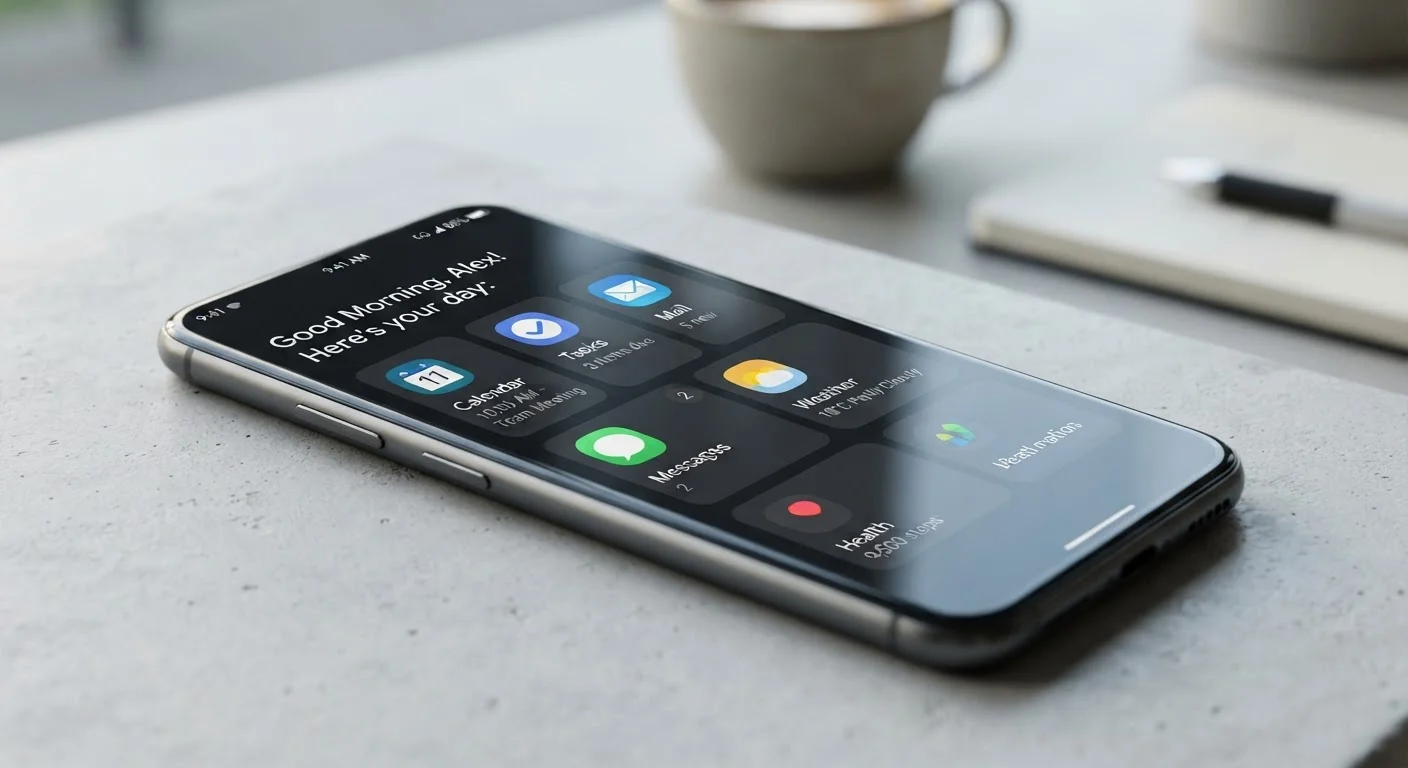
Photo: FaqExplorer.net | Informative Website editorial
Key Takeaways
- Higher resolution only delivers visible benefits up to a certain pixel density - around 300-400 PPI for typical viewing distances.
- Screen size matters: resolution paired with a large display yields lower pixel density than the same resolution on a smaller screen.
- QHD (1440p) resolution makes a meaningful difference mainly during VR use or when the phone is used very close to the eye.
- Higher resolution screens consume more GPU power, which can reduce battery life if the phone doesn't offer dynamic resolution scaling.
- Panel technology - OLED vs. LCD, color accuracy, brightness - often affects perceived image quality more than resolution alone.
Resolution vs. Pixel Density: The Number That Actually Matters
Smartphone listings love to lead with resolution - 1080p, 1440p, 4K. But the raw pixel count is only meaningful when you factor in screen size. A 1080p display on a 5-inch phone has a pixel density of roughly 440 PPI, which is exceptionally sharp. The same 1080p resolution stretched across a 6.7-inch screen drops to around 395 PPI - still excellent, but noticeably different.
Pixel density (PPI) is the spec that tells you how finely detailed the image actually appears to your eye. You can calculate it yourself: resolution ÷ diagonal screen size. Most display engineers and vision researchers agree that the human eye under normal conditions cannot resolve pixel-level detail beyond roughly 300-400 PPI at arm's length. Above that threshold, further increases in resolution produce diminishing perceptual returns.
This is why the leap from HD (720p) to FHD (1080p) was dramatic and obvious - it pushed many phones past the critical 300 PPI threshold. The jump from FHD to QHD (1440p), by contrast, is far subtler in everyday use.
~300 PPI
Threshold where pixels become indistinguishable to the human eye
Display researchers generally cite 300-400 PPI as the point beyond which most people cannot detect individual pixels at typical arm's-length viewing distance.
2.1M vs 3.7M
Pixels rendered: FHD vs QHD displays
A QHD (1440p) display renders approximately 76% more pixels than an FHD (1080p) display, requiring proportionally more processing power.
~395 PPI
Typical pixel density of a 6.7-inch 1080p smartphone screen
At this density, the display is well above the 300 PPI threshold where pixel structure becomes invisible to most viewers at normal distances.
What Resolution Actually Changes in Day-to-Day Use
For the most common smartphone tasks - reading text, scrolling social feeds, watching video - FHD+ is sufficient for virtually all screen sizes in current use. Text edges appear crisp, images look clean, and video at 1080p is displayed without upscaling artifacts.
Where higher resolution makes a tangible difference:
- Virtual reality headsets: When a phone sits centimeters from the eye, pixel grid structure becomes visible even at 1080p. QHD and higher resolutions eliminate this effect.
- Fine text rendering: Dense documents, e-books with small font sizes, or zoomed maps reveal more detail at higher pixel densities.
- Side-by-side comparison viewing: In controlled tests at close range, trained observers can spot differences - but this rarely mirrors how people use phones in real life.
Resolution does not meaningfully affect color accuracy, contrast, or brightness - those qualities come from panel technology and display calibration. A well-calibrated FHD OLED panel will typically look more vibrant and lifelike than a poorly calibrated QHD LCD. For a broader look at how display specs interact, see our guide to display specs decoded.
The Battery Trade-Off You Should Know About
Rendering 3.7 million pixels (QHD) requires meaningfully more GPU work than rendering 2.1 million pixels (FHD). This translates into measurable additional battery drain during active screen use - how much varies by chip efficiency and software optimization, but the relationship is real.
Several phone manufacturers have addressed this with dynamic resolution scaling: the display runs at FHD during standard tasks like browsing or calling, and steps up to QHD only when the GPU is under demand or a high-resolution task explicitly benefits from it. If a phone offers this feature, it largely neutralizes the battery cost of a higher-resolution panel.
If a phone does not offer dynamic resolution scaling and you're sensitive to battery life, locking a QHD display to always-on maximum resolution is worth factoring into your decision.
Check for Dynamic Resolution Scaling
Putting Resolution in Context With Other Specs
Resolution is just one variable in the display experience. Brightness (measured in nits) determines visibility in direct sunlight. Panel type - OLED vs. LCD - determines contrast ratio and color depth. Refresh rate determines motion smoothness. All of these interact to produce what you actually see and feel when using the phone. Our full smartphone specs guide walks through each of these numbers in plain language.
Similarly, the megapixel count on a camera is a parallel lesson: just as more pixels in a camera sensor don't automatically produce better photos, more pixels on a screen don't automatically produce a better viewing experience. Both specs need context - sensor size for cameras, PPI and panel quality for screens. See how that parallel plays out in our piece on reading a phone camera spec sheet.
When evaluating a smartphone display, a practical approach is to prioritize in this order: panel type and calibration quality, peak brightness, then resolution - and only distinguish between resolution tiers if PPI would drop meaningfully below 300.
Frequently Asked Questions
The content on this site is provided for informational purposes only and should not be considered a substitute for professional advice. While we strive to provide accurate and up-to-date information, we make no guarantees regarding its completeness or accuracy. Always consult a qualified professional for advice specific to your circumstances before making any decisions.