
Phone Storage vs. RAM: Two Numbers That Confuse Almost Every Buyer

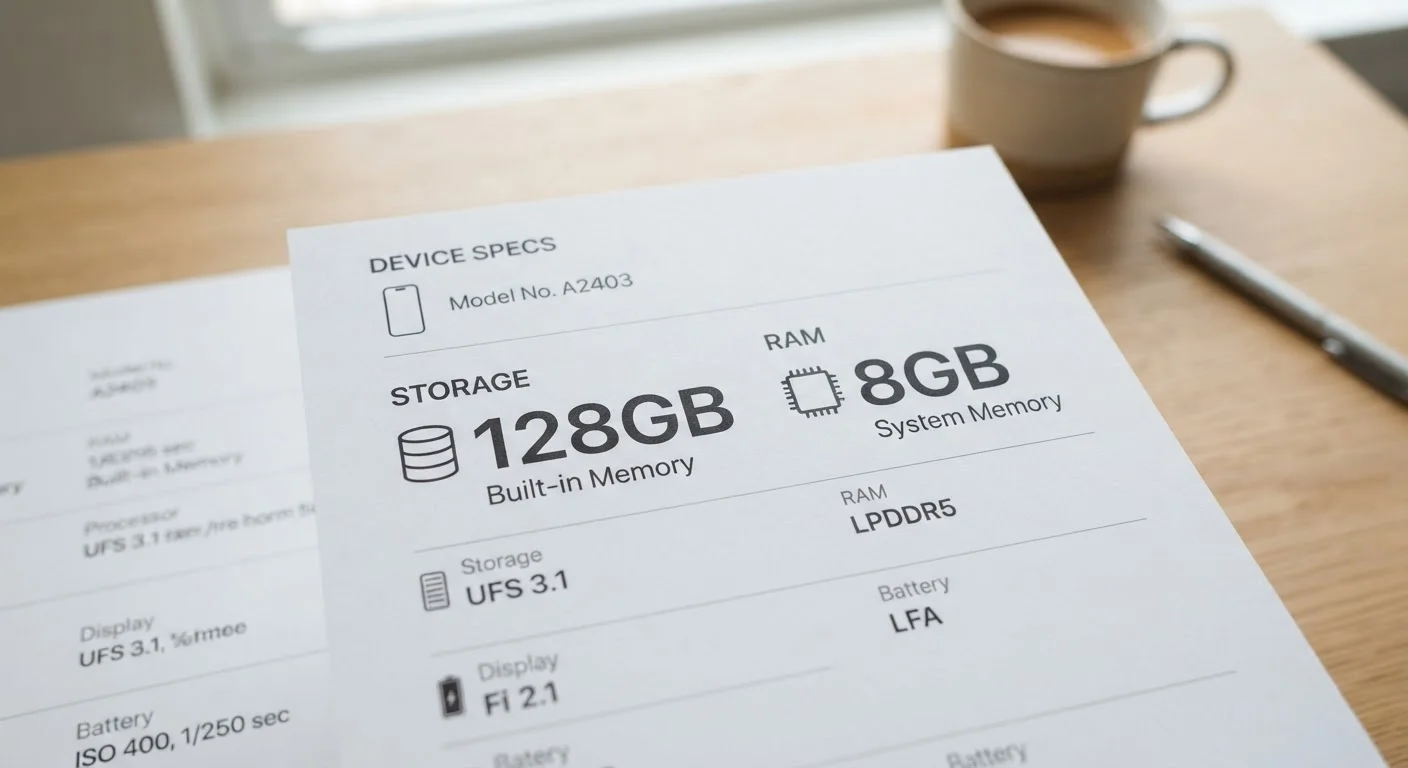
Photo: FaqExplorer.net | Informative Website editorial
Key Takeaways
- Storage holds your files permanently; RAM holds active app data temporarily while you use it.
- Running out of storage prevents you from saving new files; low RAM causes slowdowns and app crashes.
- More RAM generally improves multitasking, but operating system efficiency matters just as much as raw numbers.
- Storage can sometimes be expanded via cloud services or microSD cards; RAM is fixed and cannot be upgraded on a smartphone.
- A phone with ample storage but insufficient RAM will feel sluggish; the balance between both matters for everyday performance.
What Each Spec Actually Does
When you look at a phone listing and see "128GB / 8GB," you're reading two completely different types of memory - and confusing them is one of the most common mistakes buyers make. As part of our broader look at decoding smartphone specs, this distinction deserves its own focused explanation.
Phone storage - also called internal storage or flash storage - is where your data lives permanently. Photos, downloaded apps, music files, videos, saved documents: all of it sits in storage whether your phone is on or off. Think of it as your filing cabinet.
RAM (Random Access Memory) is completely different. It's a fast, temporary workspace your phone's processor uses while apps are actively running. When you open Instagram, your phone loads a portion of that app into RAM so it responds instantly. Close the app, and that RAM is freed up for something else. Think of RAM as your desk - the bigger the desk, the more you can have spread out at once.
| Criterion | Phone Storage | RAM |
|---|---|---|
| Primary function | Permanently holds files and apps | Temporarily runs active processes |
| Persists when phone is off | Yes | No - cleared on restart |
| Upgradeable after purchase | Sometimes (cloud, microSD) | No - fixed at manufacture |
| Symptom when low | Can't save new files or update apps | App reloads, lag, crashes |
| Typical range (modern phones) | 64GB - 1TB | 4GB - 16GB |
| Affects multitasking | Indirectly (app install sizes) | Directly and immediately |
| Affected by OS efficiency | Minimally | Significantly |
How Each One Affects Your Daily Experience
The confusion between storage and RAM matters because running low on either produces very different symptoms - and the fixes are different too.
When storage fills up: Your phone will refuse to take new photos, update apps, or download files. You'll see persistent warnings. The solution is deleting files, using cloud services, or - where hardware allows - adding a microSD card. For a deeper look at your real options, see our guide on expanding storage on a smartphone.
When RAM is insufficient: Apps reload from scratch every time you switch back to them, the keyboard lags, and games stutter or crash. You can't upgrade smartphone RAM after purchase - it's soldered to the motherboard - so this decision is final at the time you buy.
It's also worth noting that the operating system on your phone influences how RAM is used. iOS, for example, manages background processes differently than Android does, which is one reason a phone running iOS can feel smooth with less RAM than an equivalent Android device. How mobile operating systems work plays a larger role in performance than many buyers realize.
128GB
Storage baseline most carriers recommend
Many mobile carriers and device manufacturers now position 128GB as the entry-level configuration for mid-range and flagship smartphones, reflecting growth in app and media file sizes.
~3GB
RAM used by Android OS alone at idle
Android's background system processes typically consume 2-3GB of RAM before any user apps are opened, making total RAM figures less meaningful without accounting for OS overhead.
4K video
Single minute requires roughly 350MB of storage
One minute of 4K footage shot at standard bitrates on a modern smartphone consumes approximately 300-400MB of internal storage, illustrating how quickly high-resolution media depletes capacity.
Reading the Numbers Without Getting Misled
Manufacturers advertise both figures prominently, but the numbers alone don't tell the full story. A phone listed as "256GB storage, 12GB RAM" sounds impressive - but storage speed matters too. Older or budget devices may use slower flash memory that takes longer to read and write files, even when capacity is identical to a faster model.
Similarly, raw RAM numbers are only part of the picture. How the processor and software manage that RAM - scheduling tasks, compressing background apps, and prioritizing active processes - shapes the real-world feel just as much as total capacity. Common misconceptions about phone processors covers this interaction in more depth.
As a practical benchmark: for most everyday users, 128GB of storage and 6GB of RAM represent a reasonable baseline. Power users who game heavily, shoot 4K video, or run creative apps should consider stepping up to 256GB of storage and 8GB or more of RAM. These are general guidelines, not guarantees - your specific usage patterns are the most reliable guide.
If you're evaluating laptop specs alongside your phone decision, our overview of RAM, storage, and processing power on laptops applies the same framework to a different class of device.
The content on this site is provided for informational purposes only and should not be considered a substitute for professional advice. While we strive to provide accurate and up-to-date information, we make no guarantees regarding its completeness or accuracy. Always consult a qualified professional for advice specific to your circumstances before making any decisions.